
Sidekick Protect
Protection is only useful when recovery is clear.
Cover workstations, servers, and cloud users with policy, monitoring, retention, alerts, and recovery status connected to your Sidekick account.
How the work moves
Add a newly critical server
Select coverage, deploy policy, confirm the first protected state, and keep readiness visible.
- 01Identify the workload
- 02Select coverage
- 03Deploy protection
- 04Verify backup and recovery status
See the work
Sidekick Protect, grounded in a real operating moment
Show coverage, health, retention, and recovery evidence without provider branding or fear imagery.
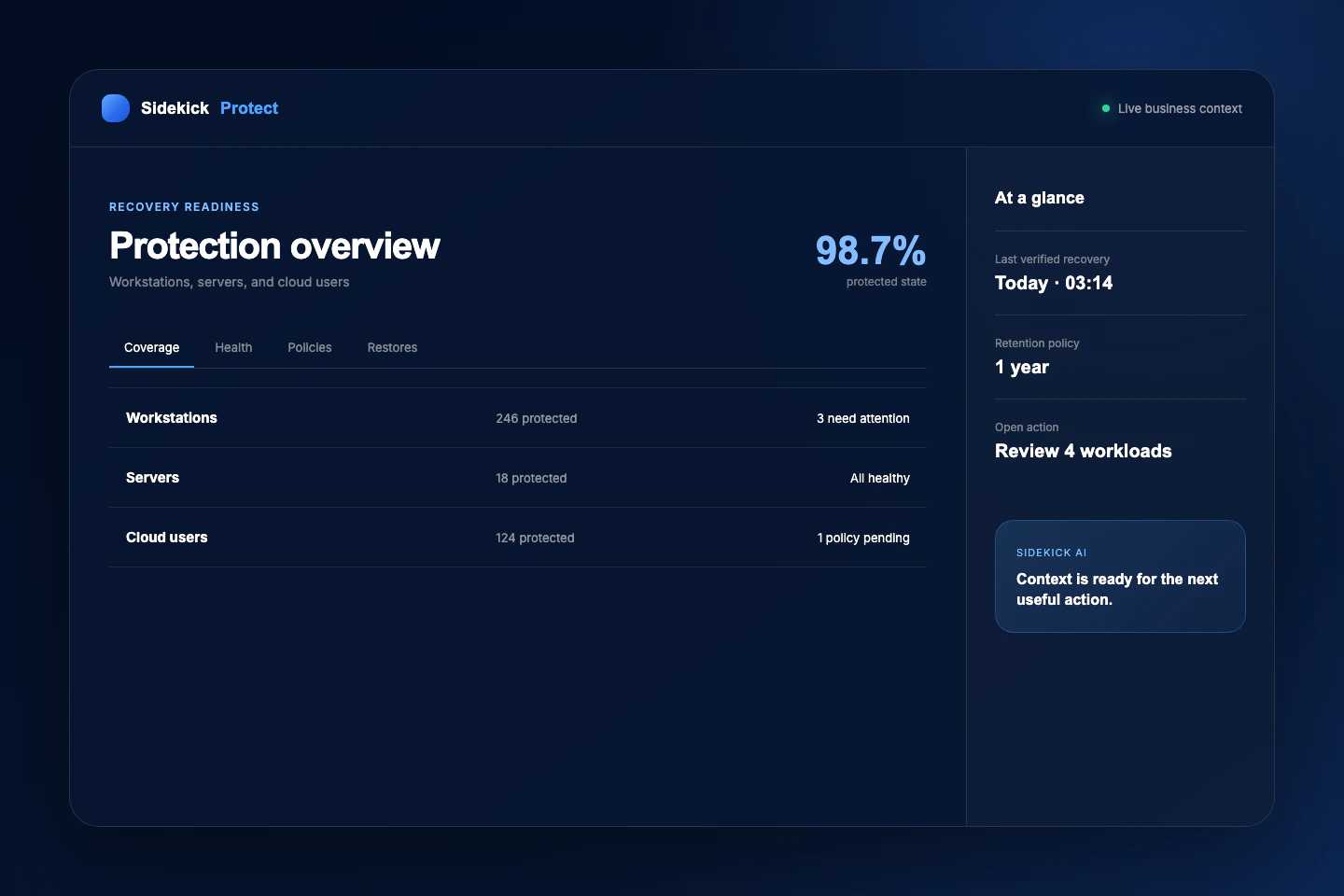
Select coverage, deploy policy, confirm the first protected state, and keep readiness visible.
Product depth
The Sidekick Protect capability map
Feature depth is grouped around jobs the business recognizes—not an endless checklist.
Coverage by workload
Select the systems and users that need protection without buying an opaque bundle.
- Workstation protection
- Physical and virtual server protection
- Cloud productivity user protection
- Storage and retention controls
Operational recovery
See policy, health, failure, and restore context in one place.
- Policy deployment and status
- Backup health and alerting
- Ransomware resilience controls
- Restore requests and recovery evidence
Questions
Clear answers before you buy
Pricing, trial, hardware, and product boundaries should be understandable before checkout.
Is there a free trial?
No. Sidekick Protect begins as a paid service because onboarding creates real workload coverage and provider commitments.
How is it priced?
Pricing is transparent per protected workstation, server, or cloud user, with metered storage overage where applicable.
Ready when you are